Languages and translations
Go to Admin console → Settings → Languages and translations to manage the languages registered in the catalog and to add or override any translation used in the user interface.
The Registered languages in database panel lists the languages stored in the database, used for database entities such as group names or portal titles. This is not the list of languages offered to catalog users, which is configured separately (see User Interface Configuration).
The Manage translations panel lets an administrator add a translation for any key used by the application, or override an existing one, without rebuilding the application. For example, this is useful when configuring the Application banner message, if you want to improve the choice of words, or need to add a label for which no translation exists in your language yet.
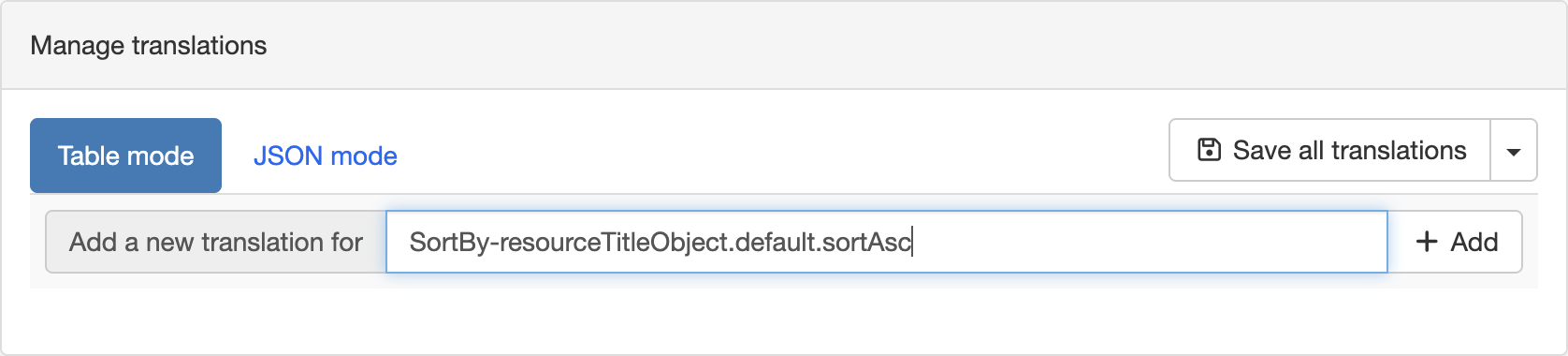
- Table mode Enter the key to translate in the
Add a new translation forfield and clickAdd. This creates one translation field per registered language for that key.
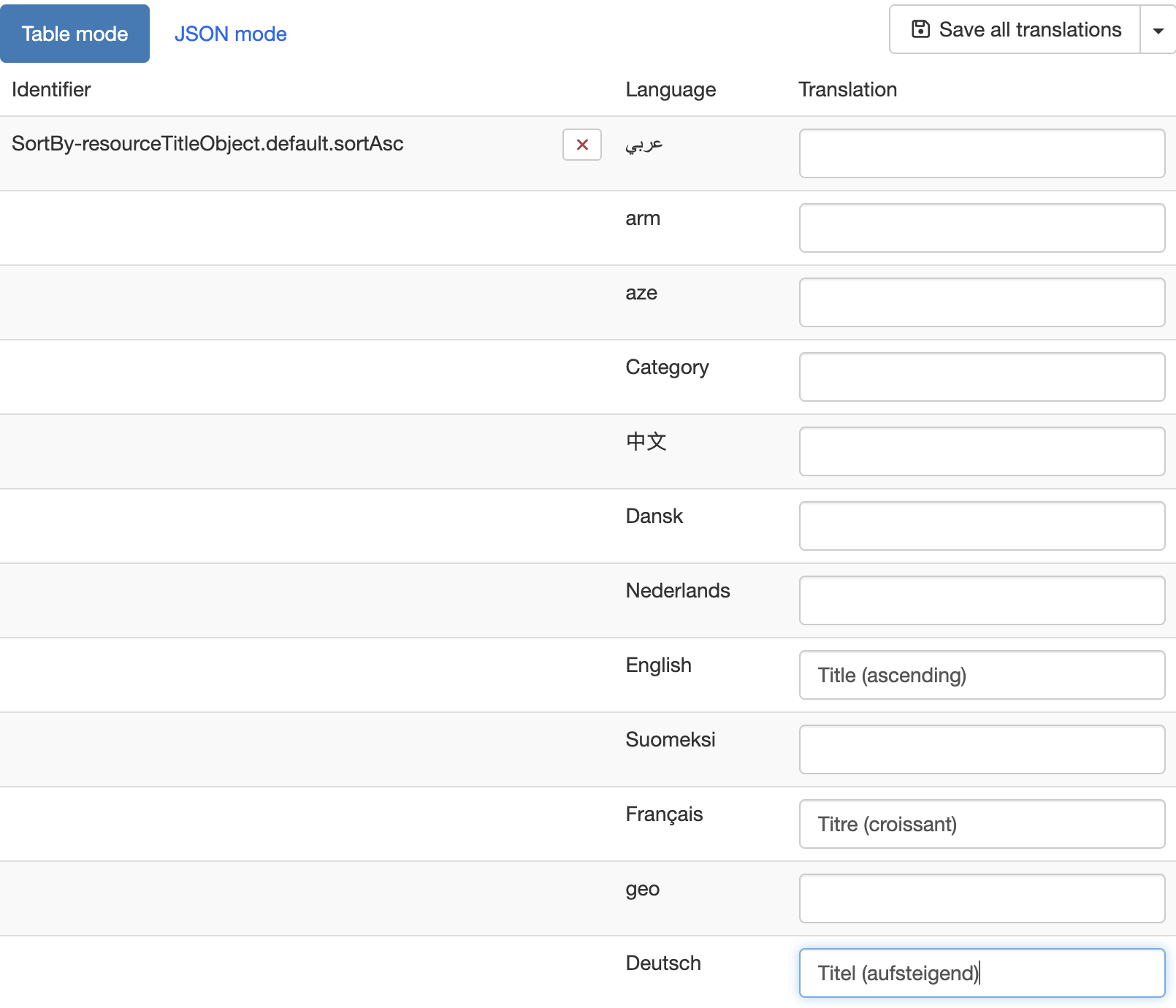
- JSON mode Provides direct access to the same data as a JSON array, which can be useful to review or edit several translations at once.
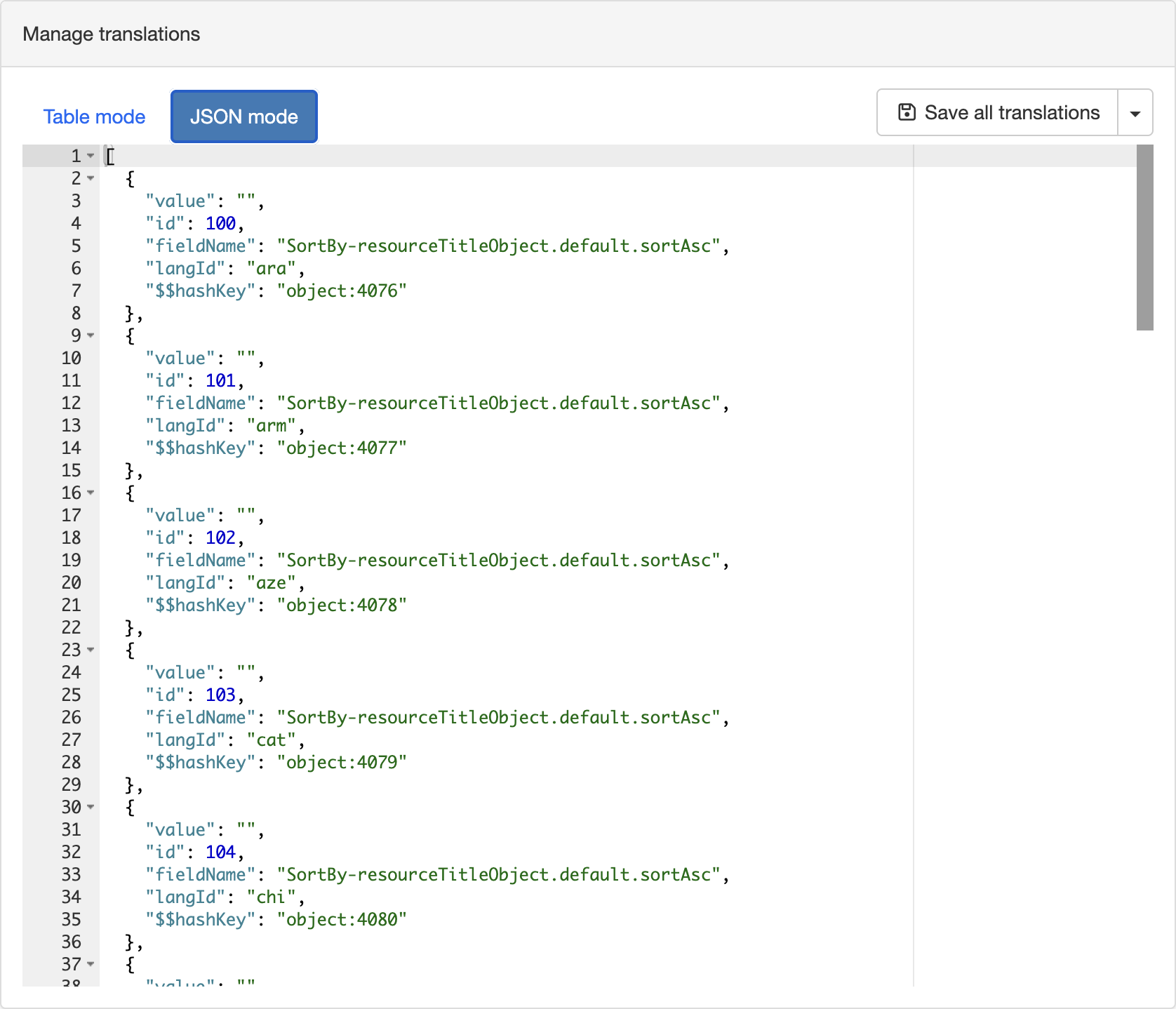
Once the translations are entered, click Save all translations to persist them.
Finding the key of an untranslated string
When the interface has no translation for a key, it displays the raw key instead of a readable label, for example SortBy-resourceTitleObject.default.sortAsc in a sort-by dropdown. If you come across this, copy the text exactly as shown and use it as the key in the Manage translations panel to add the missing translation.